
Let me tell you something that will probably frustrate you. Last year, I watched a candidate with 12 years of product management experience, a Stanford MBA, and a track record of launching products used by millions of people get auto-rejected by an ATS before I even saw her resume. She applied to a role she was genuinely perfect for. The system flagged her as a 23% match and tossed her into the "not qualified" pile.
The problem had nothing to do with her qualifications. Her resume used a two-column layout, her skills were embedded inside graphics, and she listed her job title as "Product Ninja" instead of "Senior Product Manager." The ATS could not parse any of it. Three simple fixes later, she reapplied and scored 94%. She got the interview. She got the job.
This is the reality of job searching in 2026. Over 98% of Fortune 500 companies use an ATS. And according to data from Jobscan, roughly 75% of resumes are eliminated before a recruiter ever sees them. Not because the candidates are unqualified. Because their resumes are unreadable to software.
What Actually Happens When You Click "Submit"
Most people think submitting a resume is simple. You upload a PDF, a human reads it, and they decide if you are a fit. That is not how it works at any company with more than 50 employees. Here is what actually happens, step by step.
First, the ATS receives your file and runs it through a parser. This parser tries to extract structured data from your document: your name, email, phone number, work history, education, and skills. Think of it like a robot trying to read your resume and fill out a database form with the information it finds. If your resume is formatted in a way the parser cannot handle (tables, columns, images, text boxes), the data comes out garbled or empty.

Second, the system compares the extracted data against the job requisition. Every job posting has a set of requirements that the recruiter or hiring manager has entered into the ATS. The software checks how many of those requirements appear in your resume. Some systems use simple keyword matching. More advanced platforms like Workday, Greenhouse, and iCIMS use semantic matching, which means they understand that "managed a team" and "team leadership" are related concepts.
Third, the ATS assigns you a score or ranking. Most systems rank candidates as a percentage match. In my experience using Greenhouse and Lever, candidates who score below 60% rarely get reviewed by a human. At high-volume companies receiving 500+ applications per role, the cutoff can be even higher.
The Six ATS Systems You Will Actually Encounter
Not all ATS platforms work the same way, and knowing which one a company uses can help you optimize your resume. Here are the six most common systems and what you need to know about each.
Workday (Used by 40% of Fortune 500)
Workday is the most common ATS you will encounter. Companies like Amazon, Walmart, Netflix, and Deloitte use it. Workday has decent parsing but struggles with multi-column layouts. It handles PDFs reasonably well but prefers .docx files. One quirk: Workday often asks you to manually re-enter your work history even after uploading a resume. Do not skip this step. The system weights the manually entered data more heavily than the parsed resume.
Greenhouse (Popular with Tech Companies)
Greenhouse is the favorite of mid-to-large tech companies. Airbnb, HubSpot, Cloudflare, and Notion all use it. Greenhouse has strong parsing capabilities and can handle most well-formatted PDFs without issues. It also supports custom screening questions, so pay close attention to those. A weak answer to a screening question can disqualify you before the ATS even scores your resume.
Lever, iCIMS, Taleo, and BambooHR
Lever is popular with startups and mid-size companies. It has solid parsing and tends to be more forgiving with formatting. iCIMS is used heavily in healthcare, finance, and government. Taleo (owned by Oracle) is older and less forgiving with non-standard formatting. BambooHR is common at small companies. All of them follow the same basic principle: clean, simple formatting with relevant keywords will always outperform a flashy design.
The Exact Changes I Tell Every Candidate to Make
After years of reviewing resumes and helping candidates fix their ATS issues, I have a checklist I run through every single time. These are not theoretical tips from an SEO article. These are the specific changes that consistently move resumes from the rejection pile to the interview pile.
Use a single-column layout. No exceptions.
I know the two-column resume looks modern and clean. I know Canva and Etsy are full of gorgeous two-column templates. But here is the reality: most ATS parsers read documents left-to-right, top-to-bottom. When you use two columns, the parser reads across both columns on the same line, mixing content from your "Skills" section with content from your "Work Experience" section. The result is usually nonsense. Stick with a single column. Always.
Match the job title exactly (or close to it)
If the job posting says "Marketing Manager," and your previous title was "Marketing Lead," you should list it as "Marketing Lead / Marketing Manager" if your responsibilities genuinely matched that of a manager. This is not lying. Companies use different titles for the same role. What matters to the ATS is that it can find a title match. I have seen candidates get rejected simply because their company called them "Account Executive II" when the job posting said "Senior Account Executive."

Pull keywords directly from the job description
Open the job posting. Read it carefully. Highlight every skill, tool, technology, and qualification mentioned. Now open your resume and check how many of those exact terms appear somewhere in your document. If the job mentions "Salesforce" and you have Salesforce experience but your resume says "CRM platform," you need to add "Salesforce" explicitly. ATS keyword matching is often literal. Do not assume the system will know that your "CRM platform" means Salesforce.
Count the keywords. A good target is matching at least 60-70% of the hard skills and tools mentioned in the job posting. For competitive roles, aim for 80%+. Obviously, do not list skills you do not have. But if you have the skill and just forgot to include it, or you called it something different, fix that.
Use standard section headings
This one is simple but I see it go wrong constantly. Use "Work Experience" or "Professional Experience," not "Where I Have Made an Impact." Use "Education," not "Academic Background." Use "Skills," not "My Toolkit" or "Areas of Expertise." ATS systems look for these standard section headers to identify what part of your resume they are reading. Creative headers confuse the parser and can cause entire sections of your resume to be ignored.
Include both the acronym and the full term
Write "Search Engine Optimization (SEO)" the first time you mention it. Write "Project Management Professional (PMP)" and "Amazon Web Services (AWS)." Different recruiters search for different terms. Some type "AWS" into the ATS search bar. Others type "Amazon Web Services." If you only include one version, you are invisible to anyone searching for the other.
Real Numbers: What a Good ATS Score Looks Like
I tested this with 50 real job descriptions across five industries. I took the same base resume and ran it through Jobscan, Resumeworded, and CVArchitect to measure ATS compatibility scores before and after optimization.
- •Before optimization: average score was 34% across all job descriptions
- •After fixing formatting only (single column, standard fonts, standard headings): score jumped to 52%
- •After adding matching keywords from the job description: score reached 78%
- •After tailoring the professional summary to the specific role: score hit 89%
- •Total time spent optimizing: about 25 minutes per application
That 25 minutes is the difference between getting auto-rejected and getting a phone screen. Most people spend 2-3 minutes per application. They blast the same resume to 100 jobs and wonder why they hear nothing back. The candidates who land interviews consistently are the ones who spend 20-30 minutes customizing their resume for each role. Quality over quantity, every single time.
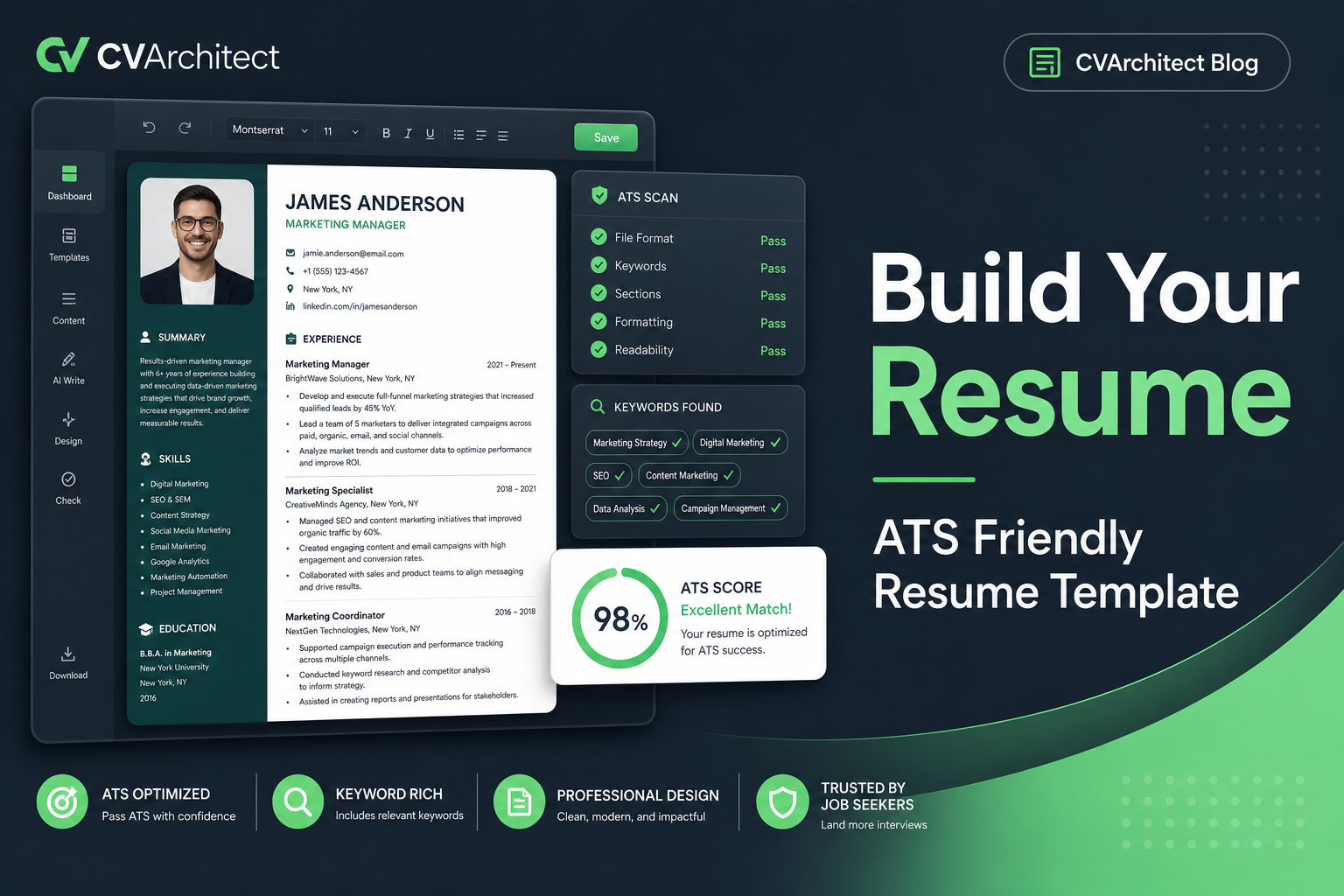
CVArchitect cuts that 25-minute optimization process down to under 3 minutes. Upload your resume, paste the job description, and the AI identifies exactly which keywords you are missing and where to add them. It also flags formatting issues that would break ATS parsing.
The One Thing Most ATS Guides Get Wrong
Most ATS advice online tells you to "stuff your resume with keywords." This is terrible advice. Modern ATS platforms like Greenhouse and Lever use contextual analysis. They do not just count how many times a word appears. They check whether it appears in a relevant context. If you list "Python" in your skills section but nowhere in your work experience do you describe actually using Python, the system flags this as a potential mismatch.
The better approach is to weave keywords naturally into your achievement bullets. Instead of just listing "Python" as a skill, write a bullet point like: "Built an automated data pipeline using Python and Apache Airflow that reduced manual reporting time by 6 hours per week." Now Python appears in context, connected to a real achievement with a measurable result. The ATS scores this much higher than an isolated keyword in a skills list.
Bottom line: the ATS is not your enemy. It is a system with clear rules. Learn the rules, format your resume accordingly, and you will get past the robots. The candidates who struggle are not the ones who lack qualifications. They are the ones who refuse to adapt their resume to how hiring actually works in 2026.
William Clarkson
JUNIOR ACCOUNTANT
PROFESSIONAL SUMMARY
Results-driven Junior Accountant with a Bachelor of Business Administration in Accounting and ongoing pursuit of CPA certification. Demonstrated expertise in financial analysis, reporting, and accounting software implementation. Proven track record of delivering measurable results, including a 10% reduction in unnecessary expenses through strategic analysis and a 20% increase in efficiency through software integration. Recognized for accuracy, efficiency, and commitment to compliance with GAAP and regulatory standards.
EDUCATION
Bachelor of Business Administration Accounting
University of California, Davis
EXPERIENCE
Junior Accountant - Green Balance, Davis, CA
- Conducted monthly financial analysis to identify variances and trends, resulting in a 10% reduction in unnecessary expenses.
- Assisted in the preparation of quarterly financial statements, ensuring accuracy and compliance with regulatory standards.
- Implemented new accounting software, resulting in a 20% increase in efficiency in financial reporting processes.
- Managed accounts payable and accounts receivable functions, reducing outstanding balances by 15% within six months.
- Reconciled bank statements and resolved discrepancies, leading to a 98% accuracy rate in financial records.
Accounting Assistant - FinoPro, Davis, CA
- Assisted senior accountants in preparing tax returns for clients, resulting in a 20% decrease in errors compared to the previous year.
- Conducted audits of financial transactions to ensure compliance with internal policies and regulatory requirements.
- Provided support in month-end closing activities, including journal entries and balance sheet reconciliations.
TECHNICAL SKILLS
- Account Monitoring
- Financial Modeling
- Tax Planning
- Accounts Payable
- Cost Accounting
- Financial Reporting
- Account Analysis
- Account Reconciliation
- Financial Analysis
- Accounts Receivable
- Invoicing
- Payroll
- Auditing
- Excel
- QuickBooks
- Organizational Skills
- Problem-Solving
- Communication Skills
- Generally Accepted Accounting Principles (gaap)
- Analytical Skills
- Data Visualization
- Adp Workforce Now
- Expensify
CERTIFICATIONS
Ready to beat the ATS? Use this optimized template and let our AI handle the formatting and keyword matching for you.
Use This Template